How a place gets filled
Four things happen between finding the page and a name on the register, and every screen here is real.
Each one was captured from the demo, which runs in your browser on sample data.
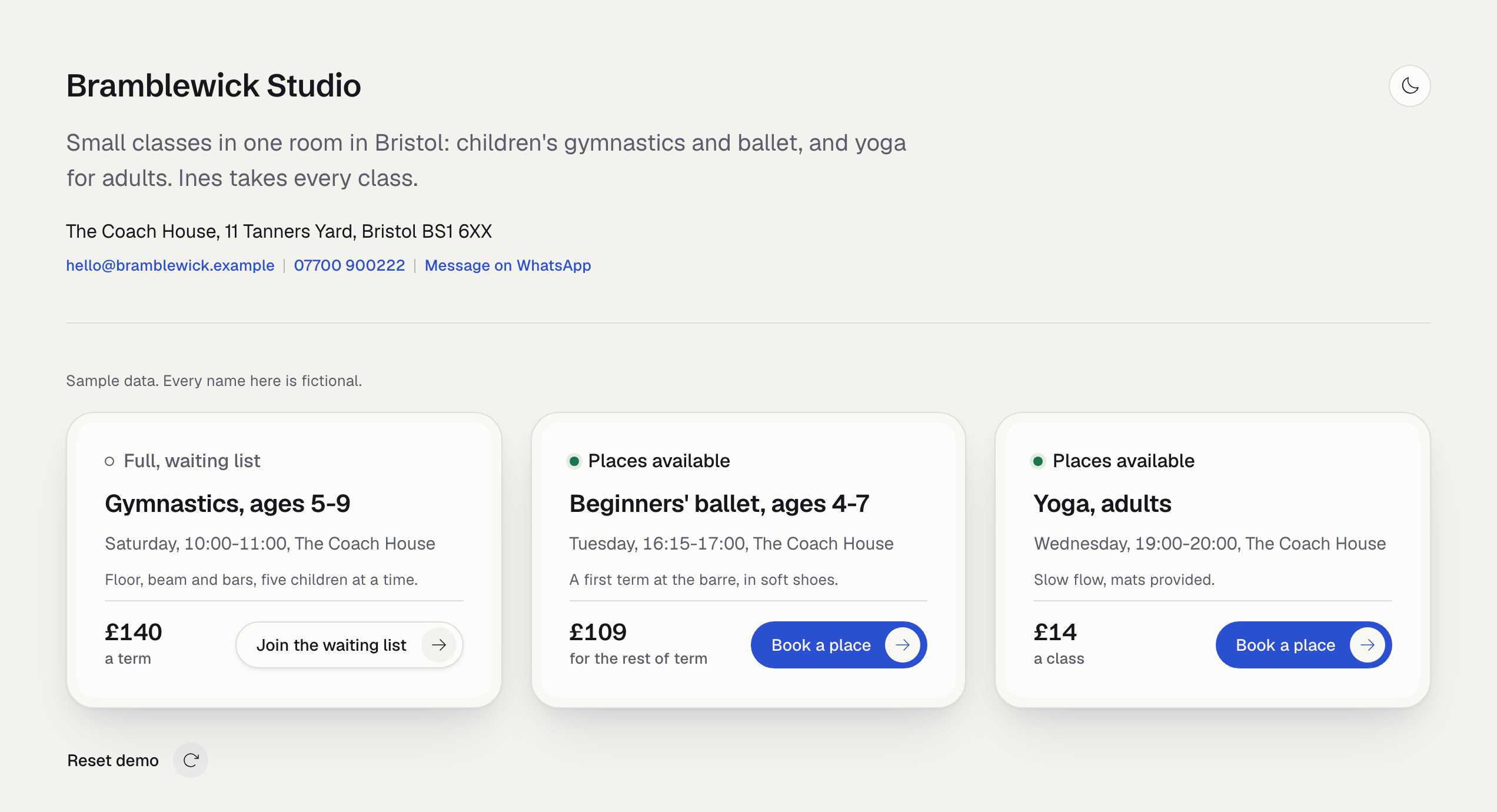
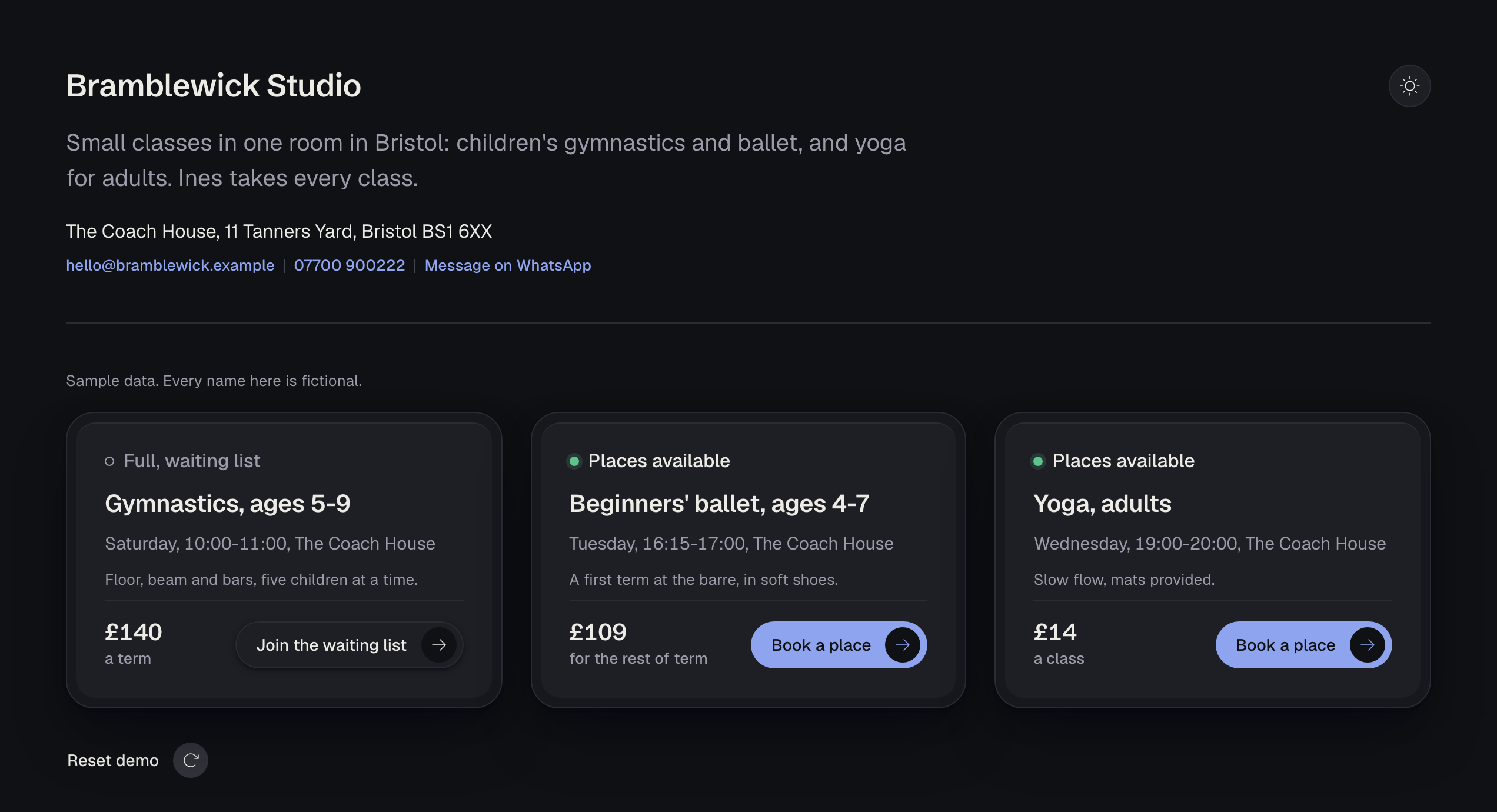
The page states the places
Every class card says whether that day is open or full, read from the register, before anyone sends a message.
Full is not a dead end. The same form becomes that day's waiting list, and nothing is charged.
The number of places is a setting, off by default. A class is open or it is full, and never a countdown.
It knows a child from an adult
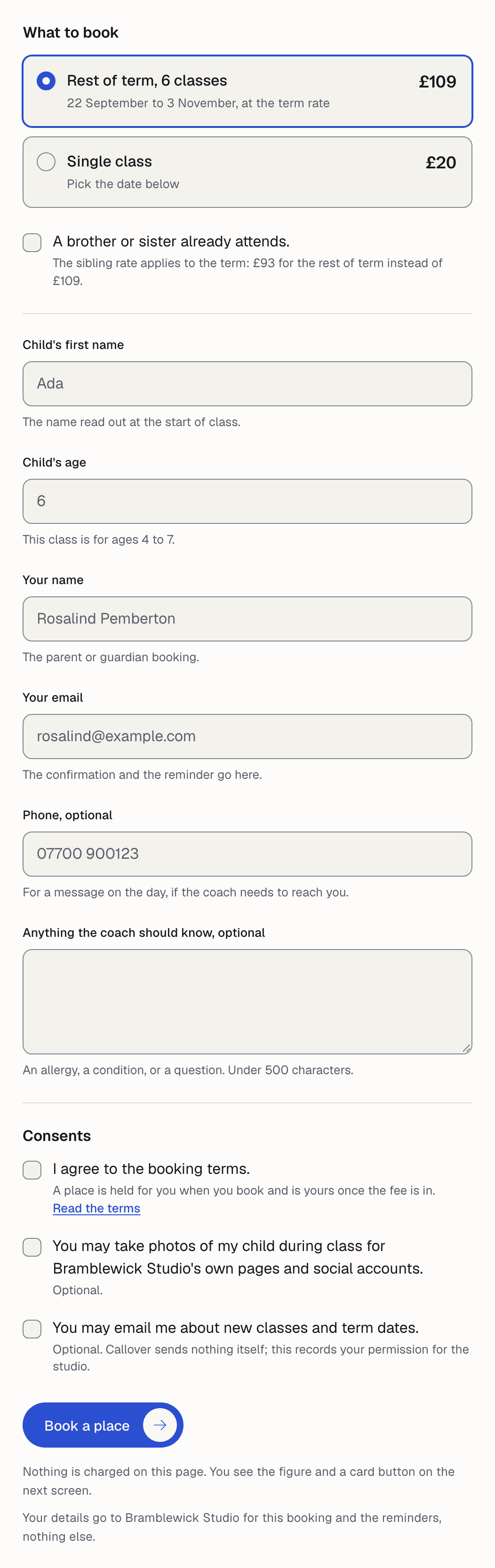
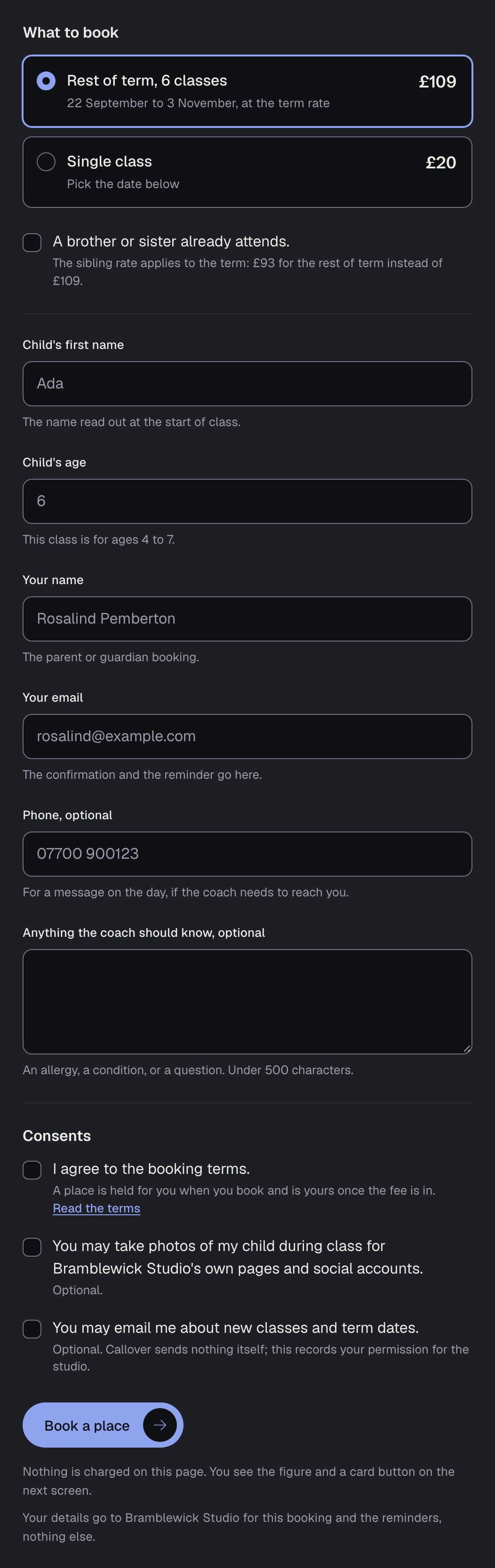
A children's class asks for the child's first name, an age inside the class's band, the parent's name and the consents.
An adults' class asks the participant for their own details, and the age field is not there at all.
An age outside the band is refused where it is typed, with the band in the message, not after the form is sent.
- The child's first name, as it is read out in class.
- An age, checked against the class's own band.
- The parent's name, email and, if they like, a phone number.
- The booking terms, ticked, with the studio's own wording.
- Photographs and email about new classes, each optional and each off unless ticked.
The exact figure is charged
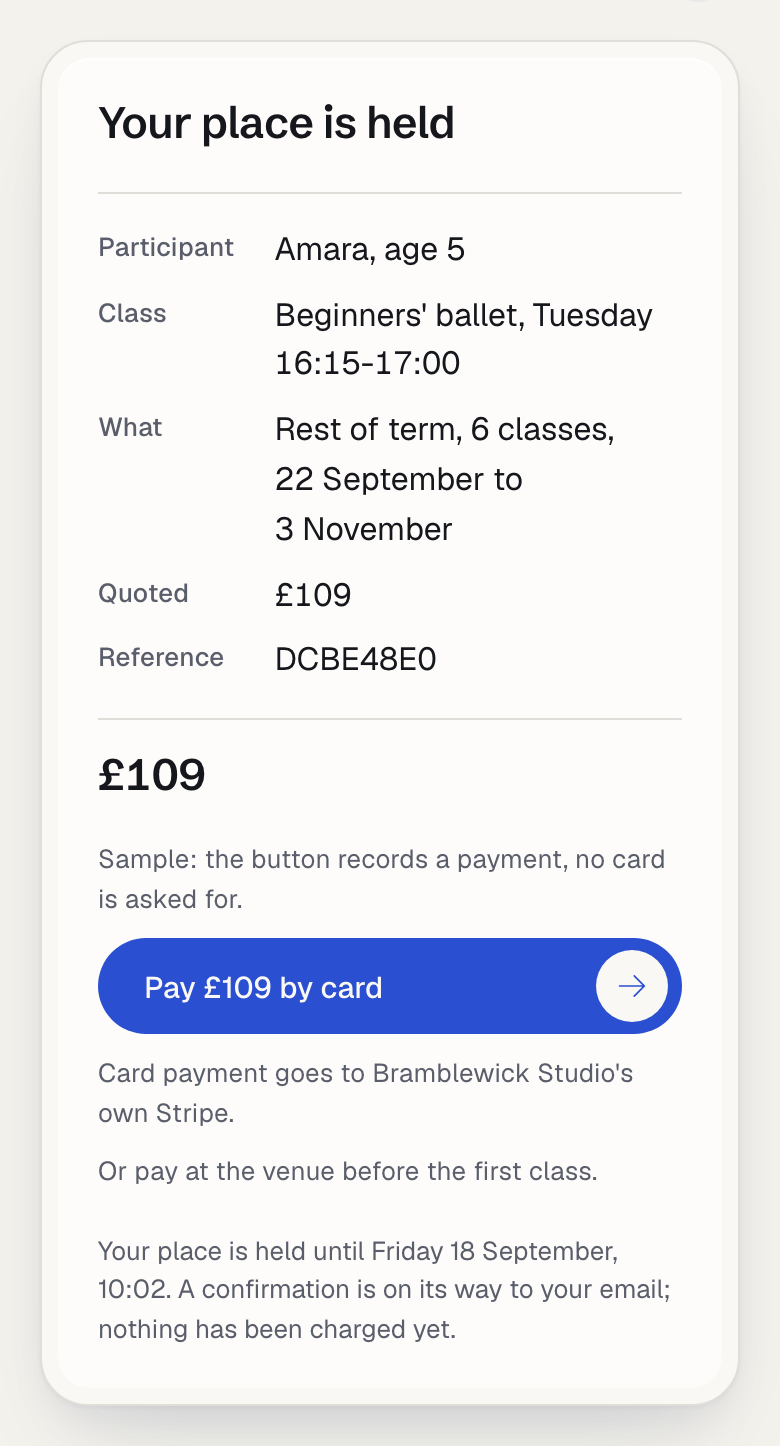
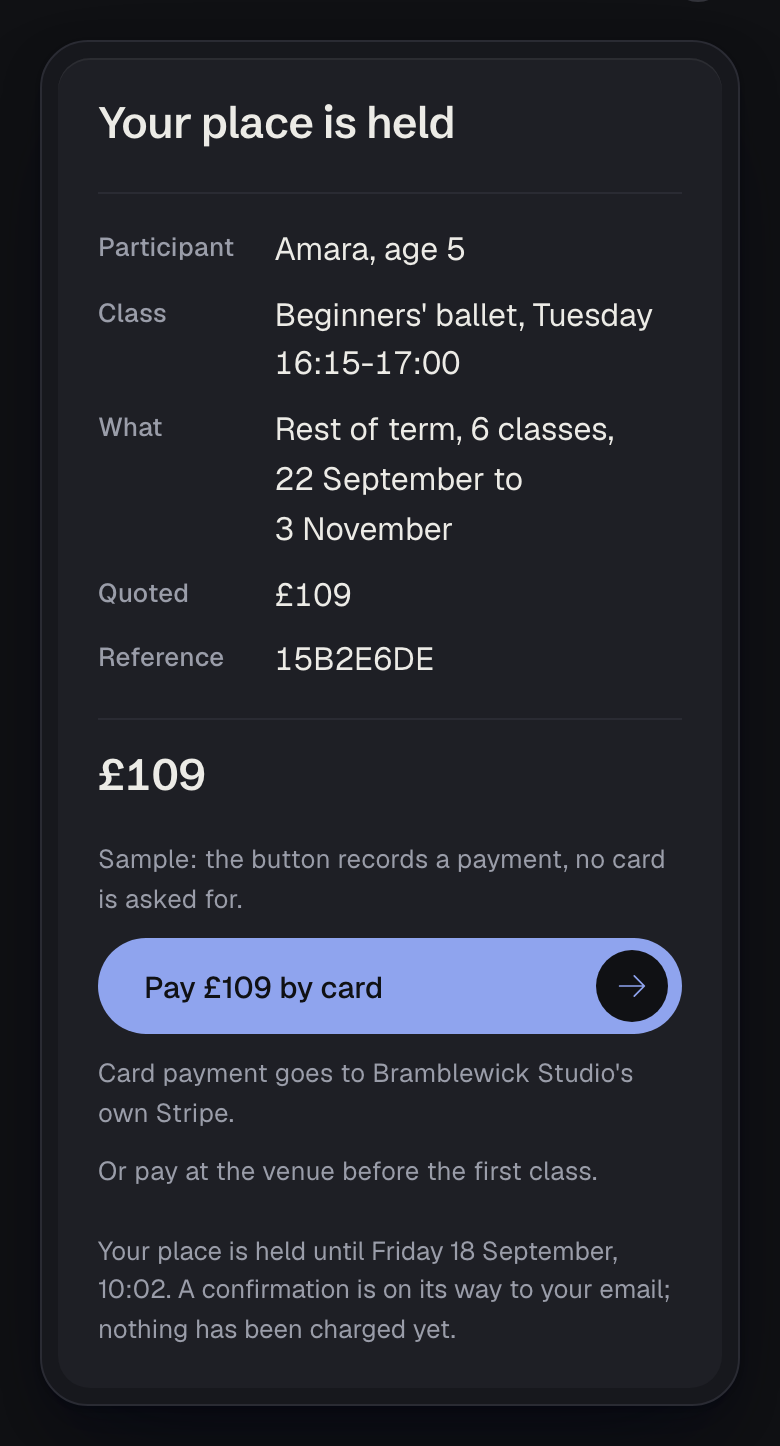
The figure is worked out on the server from the class's products and the term's dates, and the card is charged that.
A term, a block, a month, a single class, or the rest of a term that has already started.
Each has its own figure, and a sibling rate where the studio set one.
The screen says held, never paid. Money is known when Stripe reports it, or when the studio logs a payment by hand.
Where no card payment can be made the button is not drawn at all, and the screen says the studio will send a link.
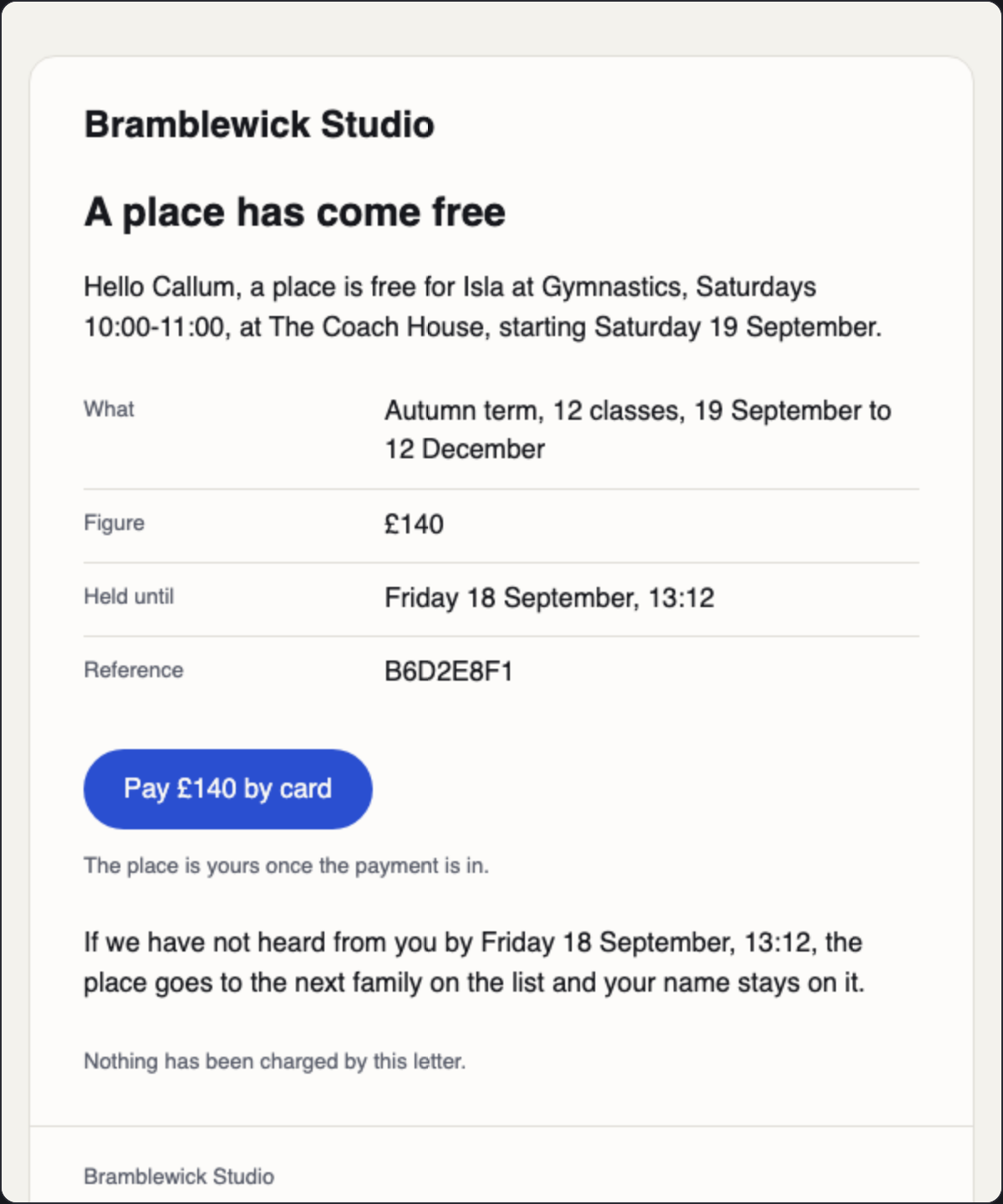
A freed place is offered and held
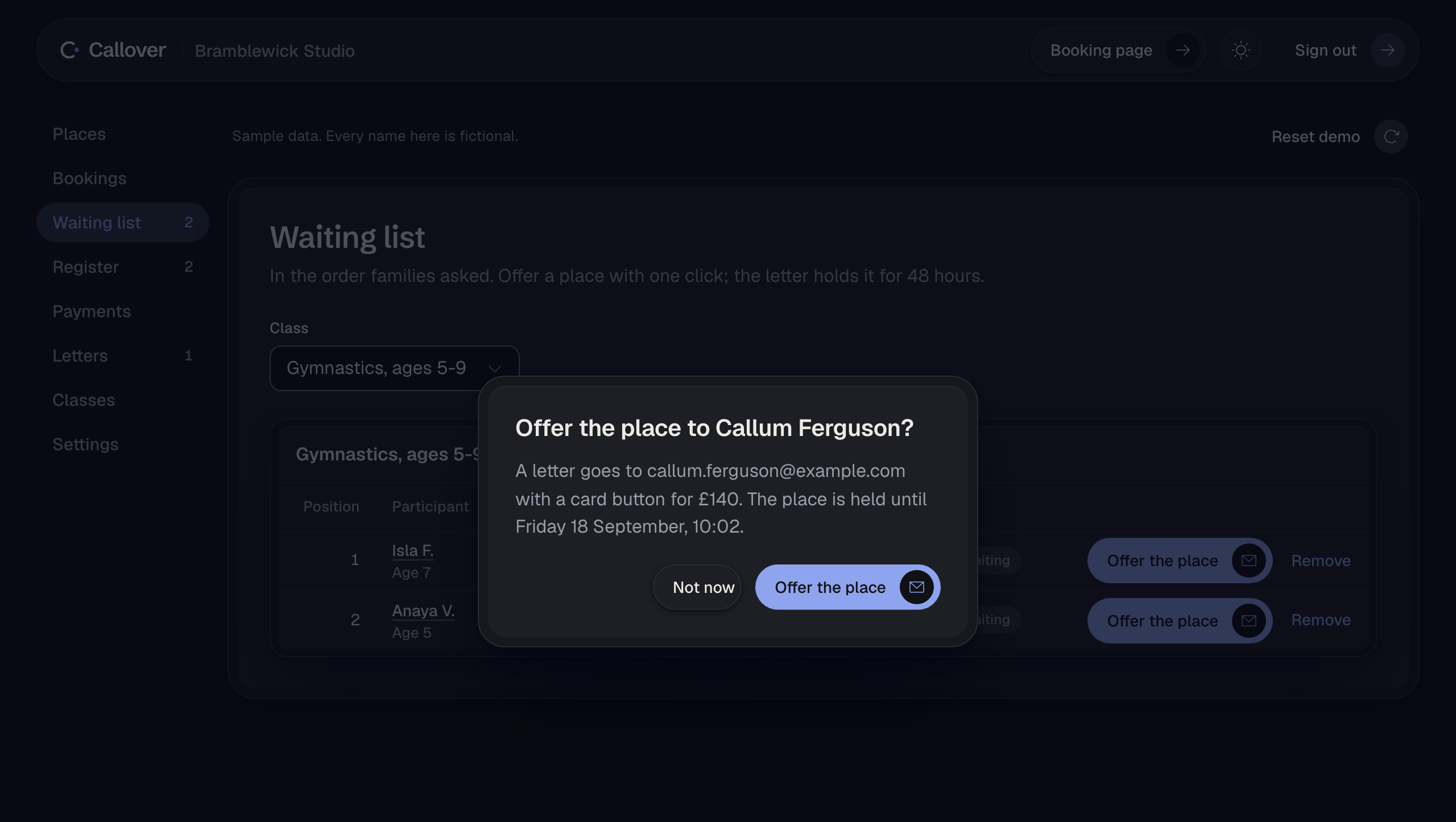
A full class takes names in order. Nobody is told their position, and how many are waiting is never public.
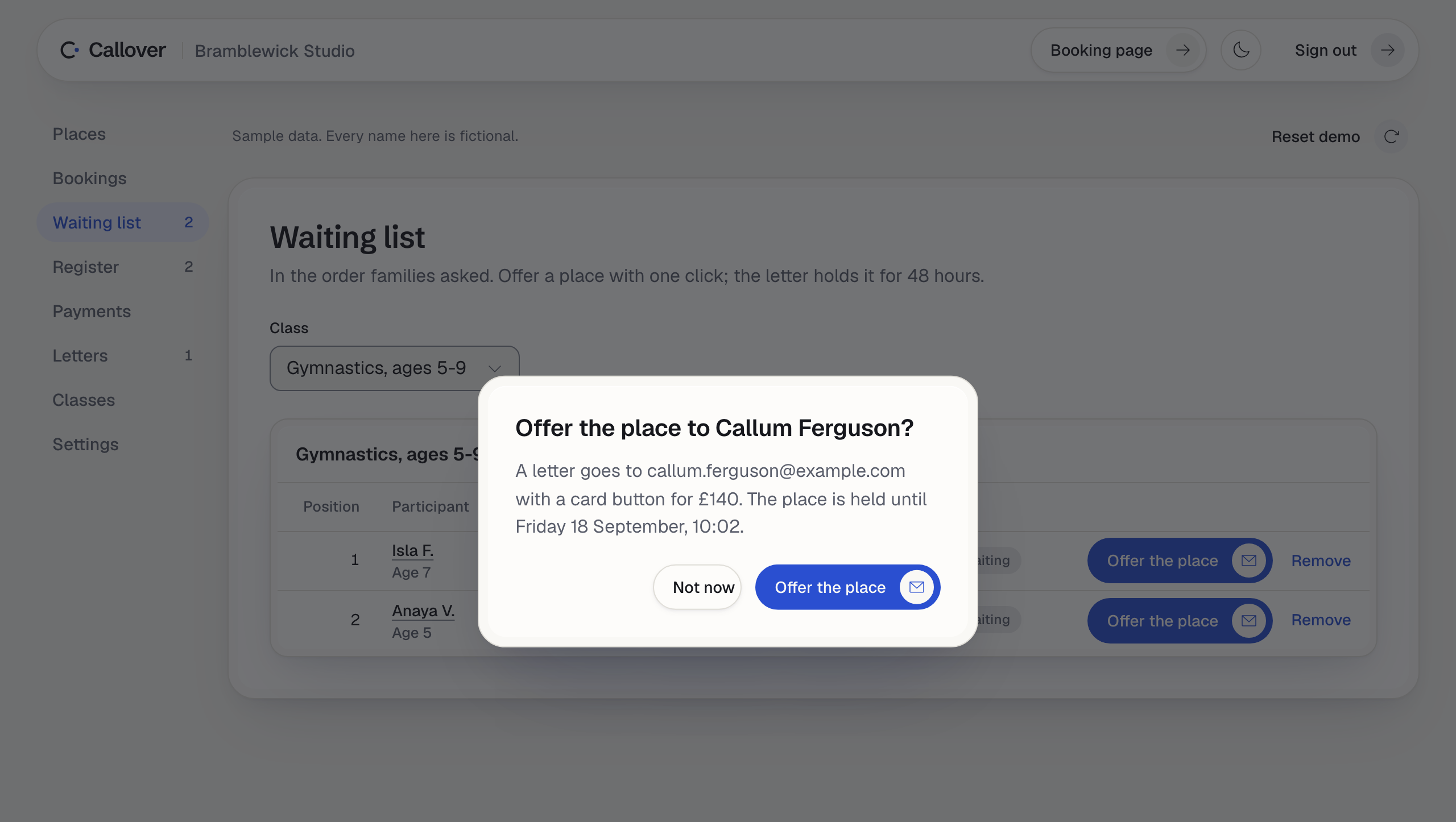
When a place comes free, one click offers it to the first family and holds it for 48 hours.
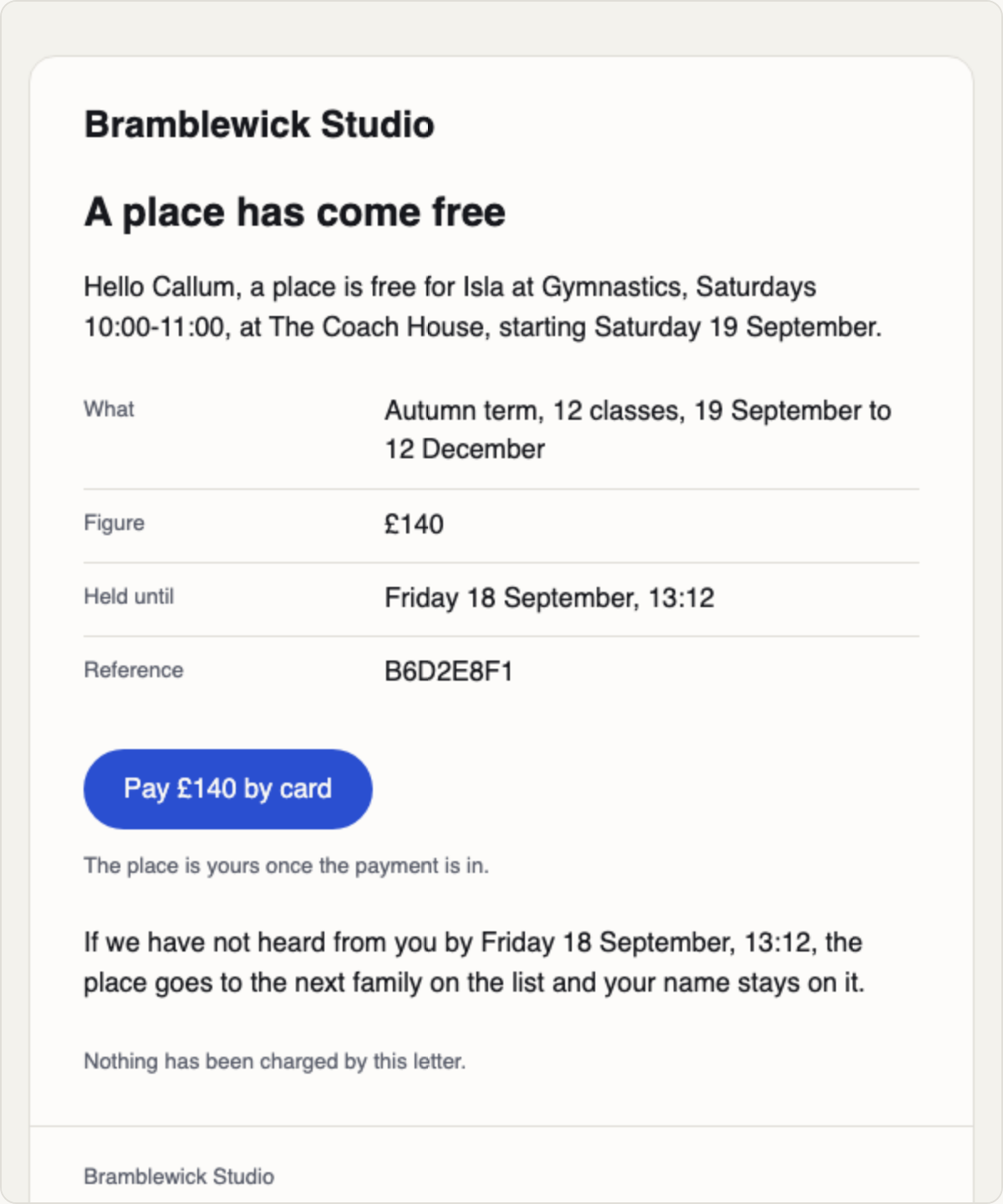
The letter carries a pay button for the exact figure. The hold runs whether or not they open it.
Nothing here sends on a timer. The offer is a named click, and the dialog says the address it is going to.
If the family left a phone and no email, the dialog offers the message ready written for WhatsApp.
The register, and the evening before
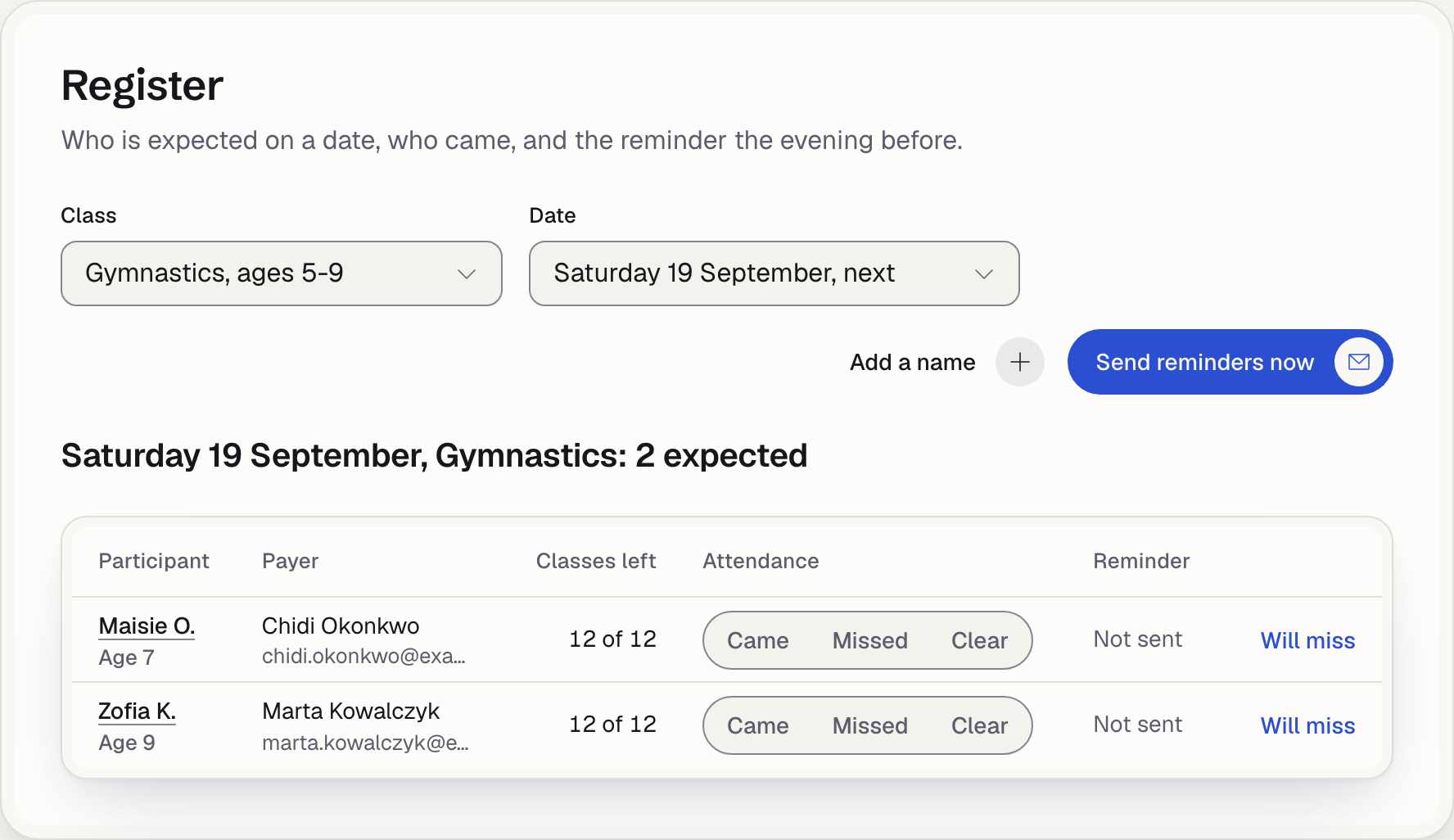
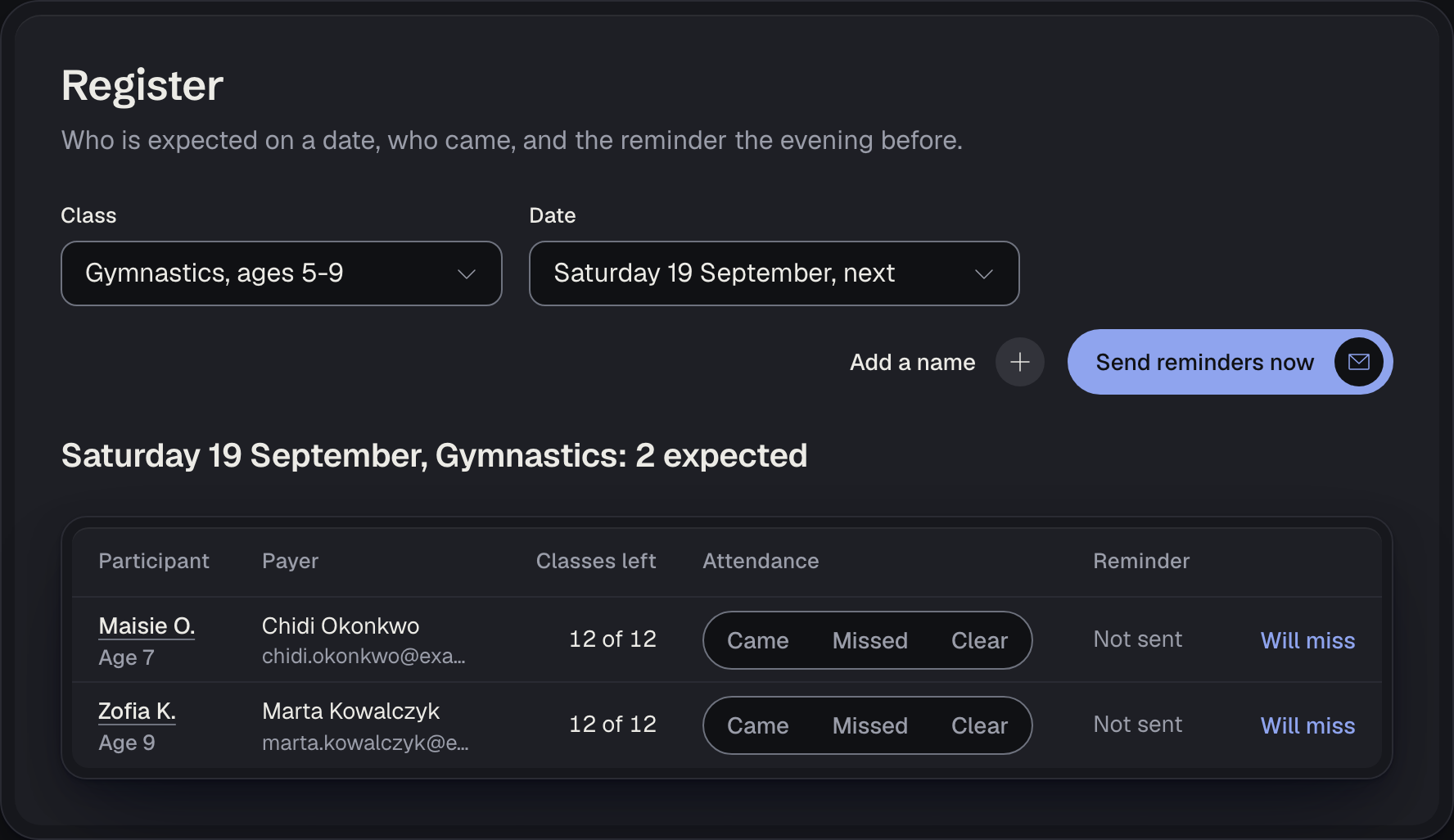
Pick a date and the class's expected names are there, from the bookings that have been paid for.
Came and Missed each take one class off what the family bought. Clear puts it back.
A held booking is not expected. A reminder to a family who has not paid would read as a confirmation.
You can add a name by hand for somebody who turned up, and it joins the same date.
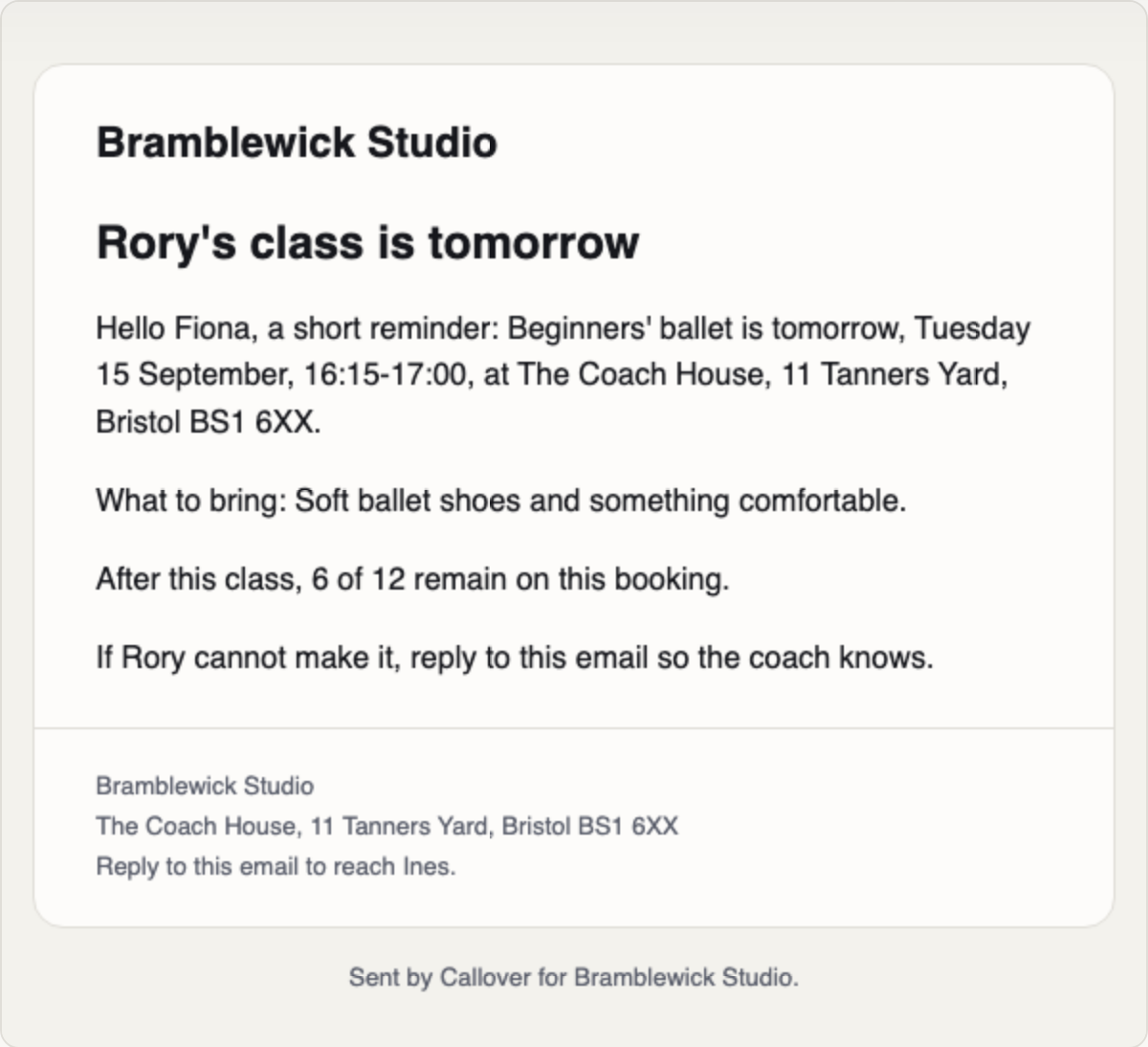
The evening before each class, every expected name receives a reminder with the time, the venue and what to bring.
The letters a family receives
Five letters, each about a booking somebody made. There is no marketing email in the product at all.
The confirmation and the note to you are sent when the booking is stored. The reminder goes the evening before.
The place offer is sent by your click, and so is every resend. Each dialog names the address first.
In the demo the letters are written and not sent, and the dashboard keeps them, so you can read exactly what a family gets.
What it never says
The booking half never says paid. A booking a family made is held until Stripe reports the money or you log it.
A pay button is drawn only when it will charge the exact figure.
A fixed link for the wrong amount is worse than no link at all, and that is why it is left out.
Places are a fact and never a countdown. No screen here pressures a family with a number that is falling.
Try it on sample data
The demo runs in your browser with fictional names. Book a place, join the waiting list, read the letters.